KICK replay clip maker
Turn a KICK replay or eligible community clip into a vertical highlight. Follow a GTA 6 roadblock from the original source to a 16-second edit.
See your scan cost before you start. Have a recording? Upload your file.
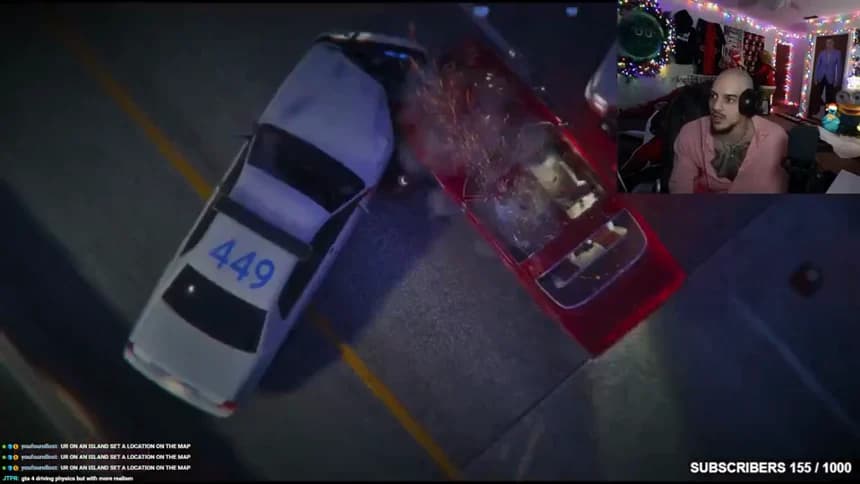
Sixteen seconds on the highway
Dasgasd3m sees a way out, then two cruisers fill his lane. The scan catches a sound peak. Watch a few seconds either side to hear the call that sets up the roadblock.
Play and edit the roadblockChoose which recording you are cutting
A KICK video page identifies a broadcast. A creator’s /clips/ link identifies a shorter selection made from it. Save the one you intend to use. Dasgasd3m broadcast the launch drive and riot4813 clipped the three-minute section. Keeping both credits lets another editor trace the cut and check the organizer’s specified source.
Open the three-minute source on KICK →Find the turn in the chase
In the three-minute source, the highway call starts at about 1:36.5. The editor opens a 30-second excerpt starting at 1:26.5, so that call is at 0:10 in the editor. Try the 0:10–0:26 cut, then move the in-point past the call. Listen to what the second version loses before you pick your opening.
Compare the three launch-night cuts →Check the source window before posting
A longer broadcast may contain other games, music breaks or footage outside a brief. Open the matched source range and compare both trim points with its boundaries. For the RUCKUS example, the brief also identifies the posting destinations. Save the original KICK link alongside the final post so the organizer can find the footage.
Inspect the RUCKUS campaign brief →