The GTA clipper’s field guide
Your first GTA clip.
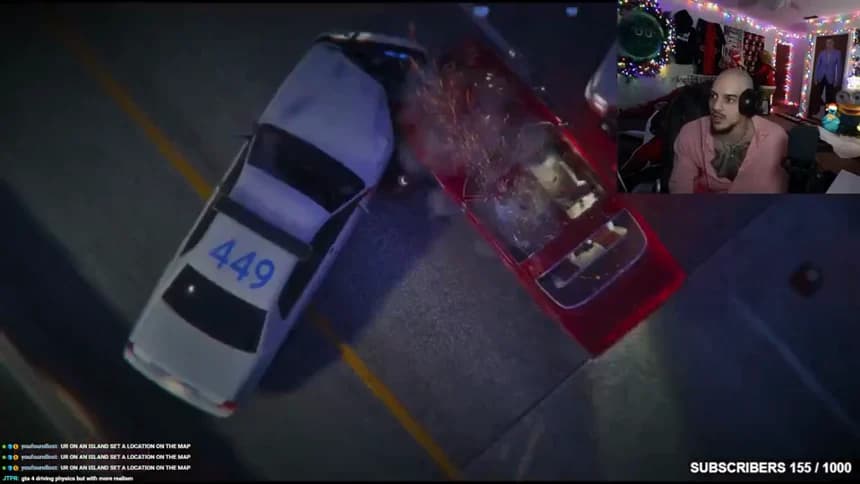
Dom thinks the highway is clear. Two cruisers block his lane. Turn that encounter into a Short with the setup and the reaction intact.
Free practice edit · No sign-in
 Original stream
From replay to first post
Keep the payoff
In the sample editor, start at 10 seconds for Dom’s highway call. End at 26, once both cruisers fill the lane.
Open the practice editCheck the download
Change a trim point or caption, then select Render my cut. Download it and play it on your phone. Can you see the cruisers and read the last line?
Publish your own cut
Use a replay you can post. Check the destination, account and credit in the campaign brief. Upload your cut and save its public URL for submission.
Check Dom’s posting rules
Start with your stream platform
- Twitch VOD clip maker
Find a reaction in the full broadcast.
- KICK replay clip maker
Cut a moment from a community clip.
- YouTube replay to Shorts clip maker
Turn a landscape recording into a Short.
The six chapters
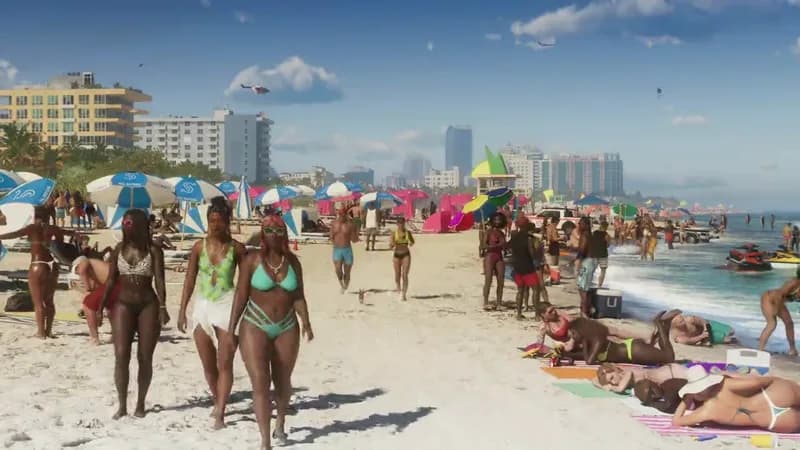
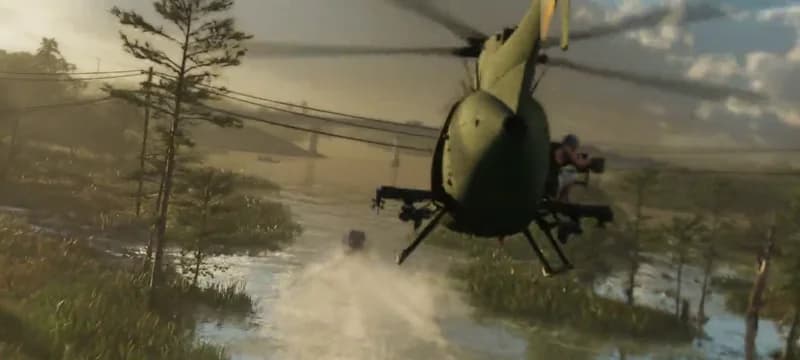
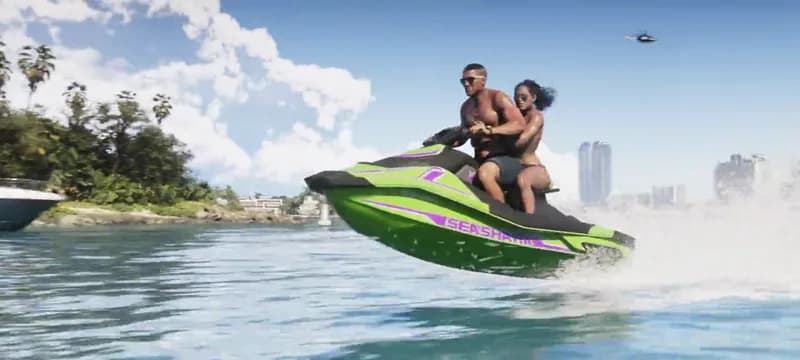
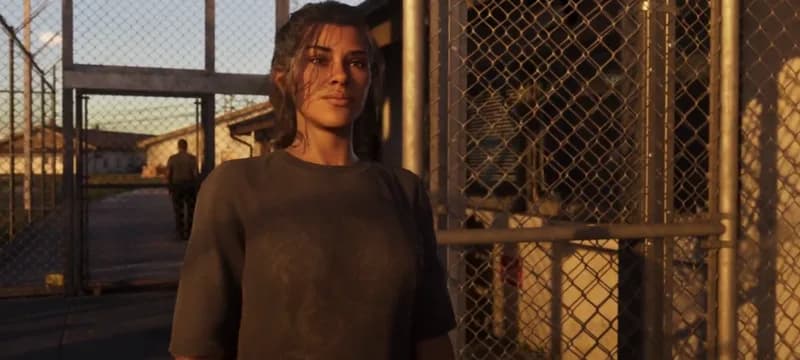
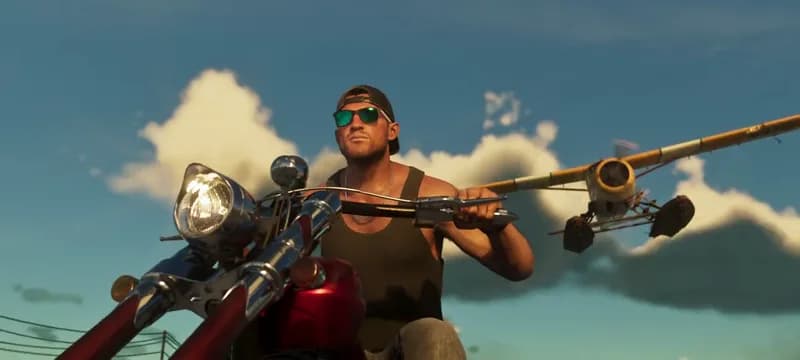
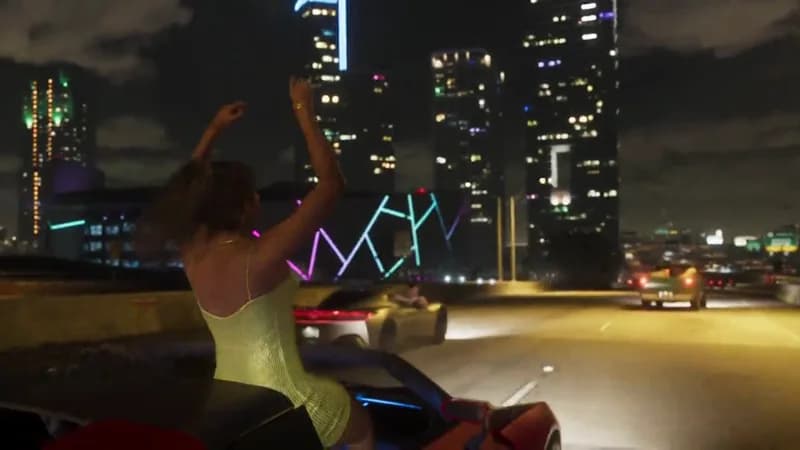
Pick the part of the edit you’re working on. Each chapter includes a trailer excerpt to practice with.
The field kit
Keep your timestamps, crop decisions and posting notes with the project. Fill in each PDF on screen or print a fresh copy.