Find the same moment in a Twitch or KICK VOD and your exported clip
A note that says “start at ten seconds” is ambiguous as soon as someone trims the replay. Give a collaborator the recording link, the point where your file begins in that recording, and the time inside your file. Together those three details make the edit reproducible.
| What we measured | Time on the broadcast | Time in the imported file |
|---|---|---|
| First frame of the source file | 1:20.366 | 0:00 |
| Requested start | 1:30 | 0:09.634 |
| Requested end | 1:45 | 0:24.634 |
Save the broadcast link before the cut
On Twitch, use the full past broadcast when you need dialogue from before a community clip. A shared Twitch URL can include a playback position. Save that position in your notes too, so someone opening the link from the beginning still knows where to look. Lacy’s marathon reaction is a concrete example: the 12-second clip corresponds to 50:32–50:44 in the broadcast. Four seconds into the clip is 50:36 in the VOD.
On KICK, keep the video permalink when working from a broadcast and the clip permalink when starting from a community selection. A three-minute community clip has its own zero point. If its original broadcast offset is unknown, credit the clip and label all notes as clip-relative.
Use the start the importer actually kept
We requested 1:30–1:45 from a public KICK replay. The provider delivered complete streaming segments. The resulting file was about 30 seconds long and its first frame belonged at 1:20.366 in the broadcast. To find the requested start in that file, subtract 80.366 seconds from 90. That puts the in-point at 9.634 seconds.
The amount of surrounding footage depends on the provider’s segment boundaries. Read the original-broadcast offset shown on your project before entering a timestamp cut. If the importer cannot read a supported completed replay, use a recording you have permission to edit. For a file you trimmed elsewhere, record its original start yourself.
Check one frame at each end
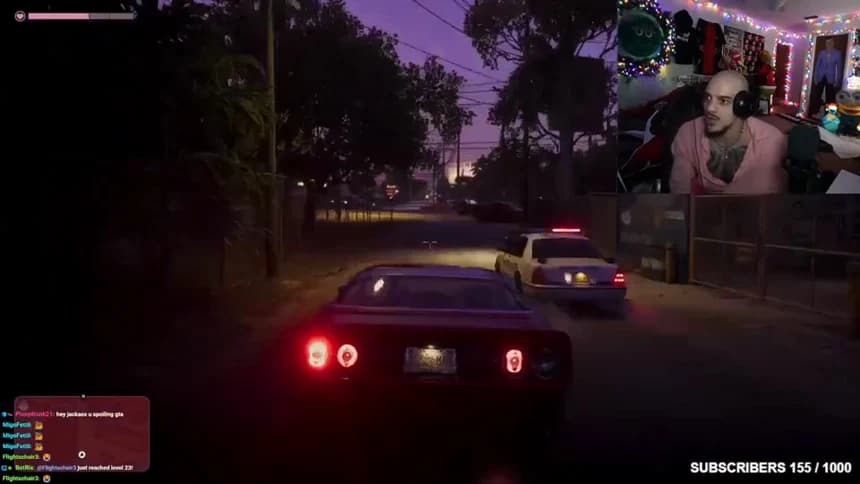
Pick a distinctive frame near the beginning, such as the first appearance of a police light. Add its local time to the file’s broadcast offset and seek there on the VOD. Repeat near the end. If the second frame has drifted, check for an intervening edit or a different copy of the stream before handing off the times.
For a campaign submission, take the extra step of checking both ends against the organizer’s allowed window. A matching clock identifies the moment. Source permission, posting account and filing rules still come from the brief.